

Table with block state variables#
This function allows the user to view all block states during calculation in the form of windows called through the block’s context menu.
Note
The windows are dynamically updated during the calculation and remain on the workspace after the model is stopped, allowing you to analyze the behavior of the circuit elements without having to open the right panel block or place a Display block under each parameter.
To open the state variable table you need to:
Select the block whose parameters you want to view by clicking on it with LMB;
Click on the selected block RMB;
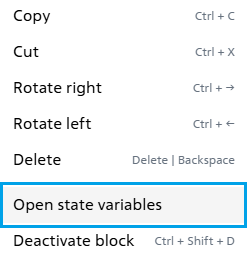
Fig. 1 Open state variables#
Then a window opens with a table of block variables, Fig. 2:
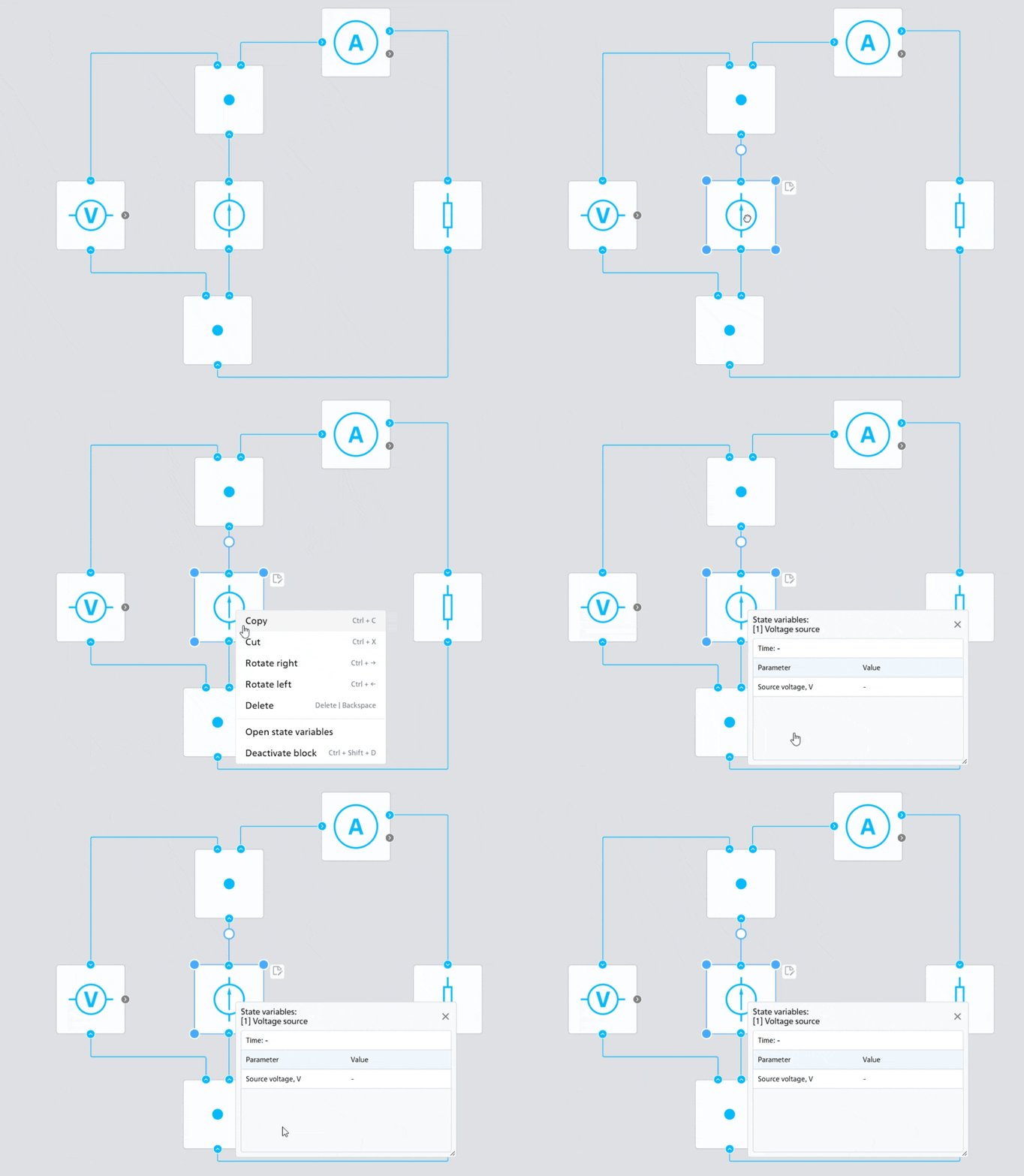
Fig. 2 Table of block variables#