

Description of block ports#
This table will help you understand the possibilities of interfacing blocks of different sections with each other.
Important
The input block ports can only be connected to the output block ports and vice versa.
1. Description of ports#
Port type name |
Directivity |
Types of ports that can be connected to |
|---|---|---|
input, |
Automation, |
|
input, |
Rotational motion |
|
input, |
Translational motion |
|
input, |
Thermohydraulic systems, |
|
input, |
Thermohydraulics |
|
input, |
Isothermal hydraulics |
|
input, |
Heat exchange |
|
input, |
Electrocity |
|
input, |
Electronics |
|
input, |
Voltage |
|
input, |
Pneumatics |
|
input, |
RF |
|
input, |
Two-phase fluid |
|
input, |
Multicomponent fluid |
2. Colored block port connections#
This function allows you to visualize the port type of each library by its color, as well as the connection line of ports according to their type
Automation is the basic library, the color of ports and connections will remain the same (gray ports, black connection lines):
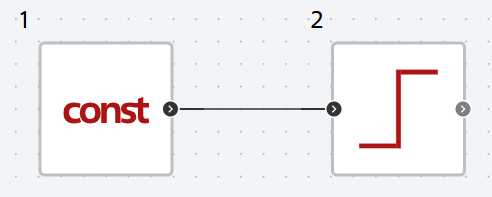
Automation#
Rotational motion, Translational motion - are port types of Mechanics (light green-colored ports, green connection lines):
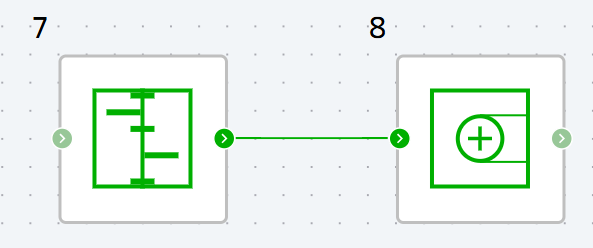
Mechanics#
Thermohydraulic systems (lilac ports, dark blue connection lines):
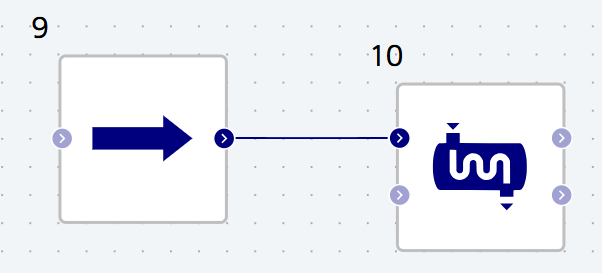
Thermohydraulic systems#
Thermohydraulics (yellow ports, yellow connection lines):
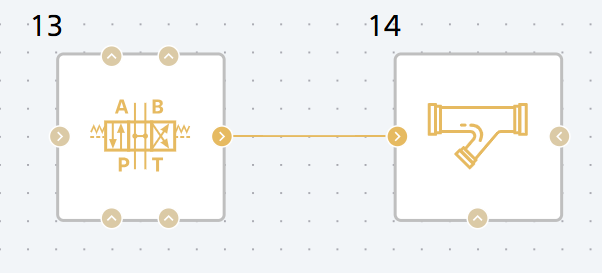
Thermohydraulics#
Isothermal hydraulics (blue-gray ports, blue connection lines):
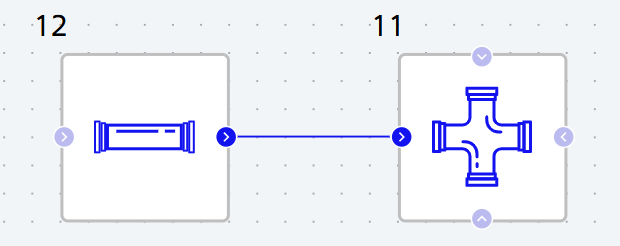
Isothermal hydraulics#
Heat exchange (orange ports, orange connection lines):
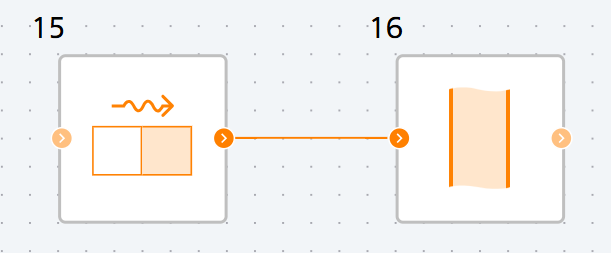
Heat exchange#
Electrocity (pale brown ports, brown connection lines):
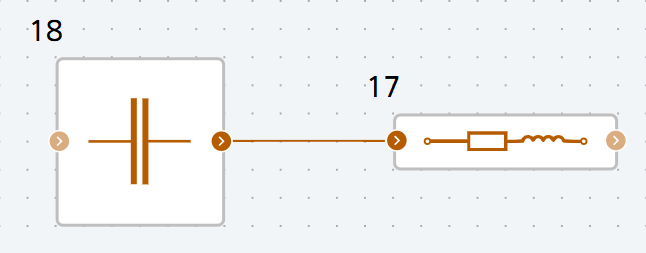
Electrocity#
Electronics (blue ports, blue connection lines):
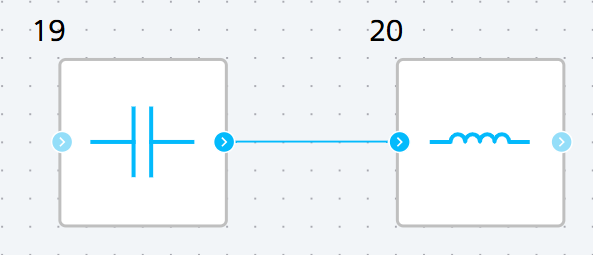
Electronics#
Voltage the port type is also compatible only with itself, the color schemes are similar to the blocks of Automation.
Pneumatics (pale pink ports, purple connection lines):
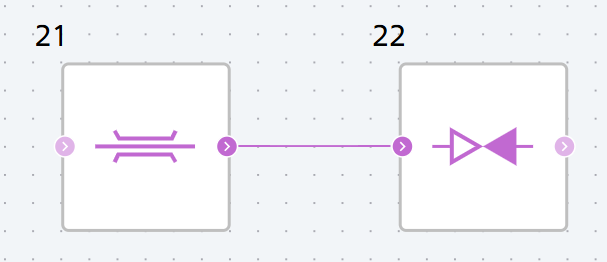
Pneumatics#
RF (blue ports, blue connection lines):
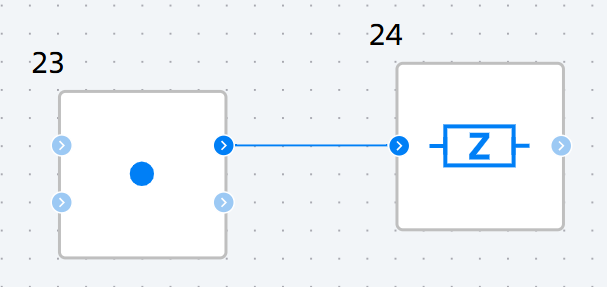
RF#
Two-phase fluid (blue ports, dark blue connection lines):
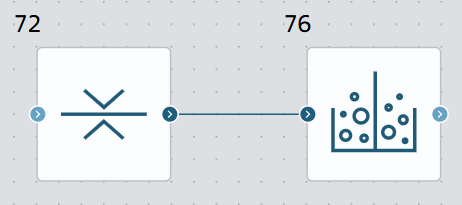
Two-phase fluid#
Multicomponent fluid (gold-colored ports, gold-colored connection lines):

Multicomponent fluid#
Hint
When attempting to connect incompatible ports, the following symbol will appear:
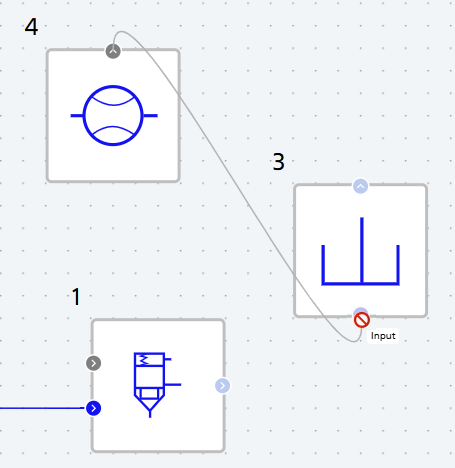
Incompatible connection#
Hint
Old diagrams will display the following information in case of incorrect port connection:
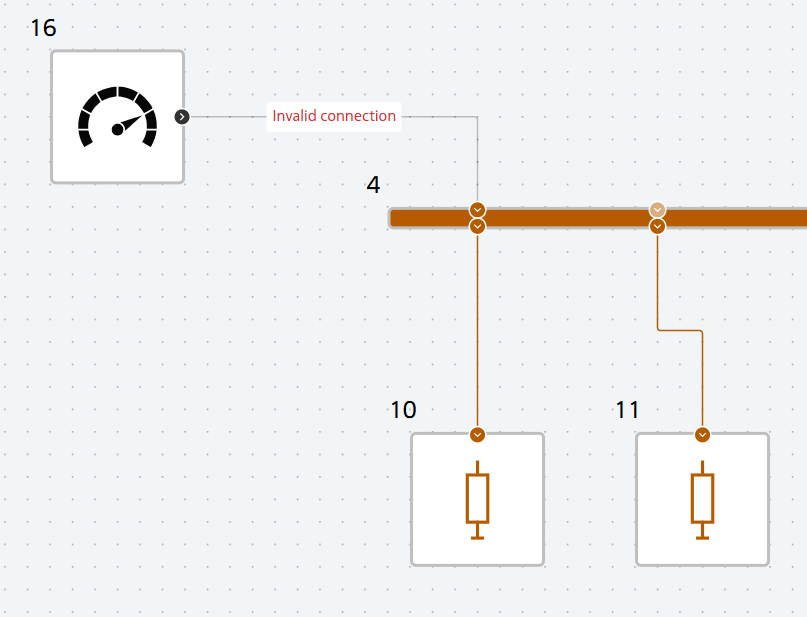
Invalid connection#
Note
The message
Invalid connectionwill appear;The old connection line will be translucent.
Important
There are blocks that contain ports of different libraries:
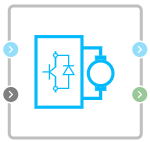
Different port types#