

Tab switching panel (top)#
The Tab Switcher contains the following functionality:
button
 , when clicked LMB the user gets to the window with projects;
tabs of open projects, user and composite blocks with their names, between which you can switch by clicking on the project/block name LMB:
Switching between open project tabs#

Tab switching panel with two open projects#
Note
The panel also displays the name of the left panel and the name of the right panel when in the Main GUI Window
Important
It is now possible to copy and paste objects between open projects:
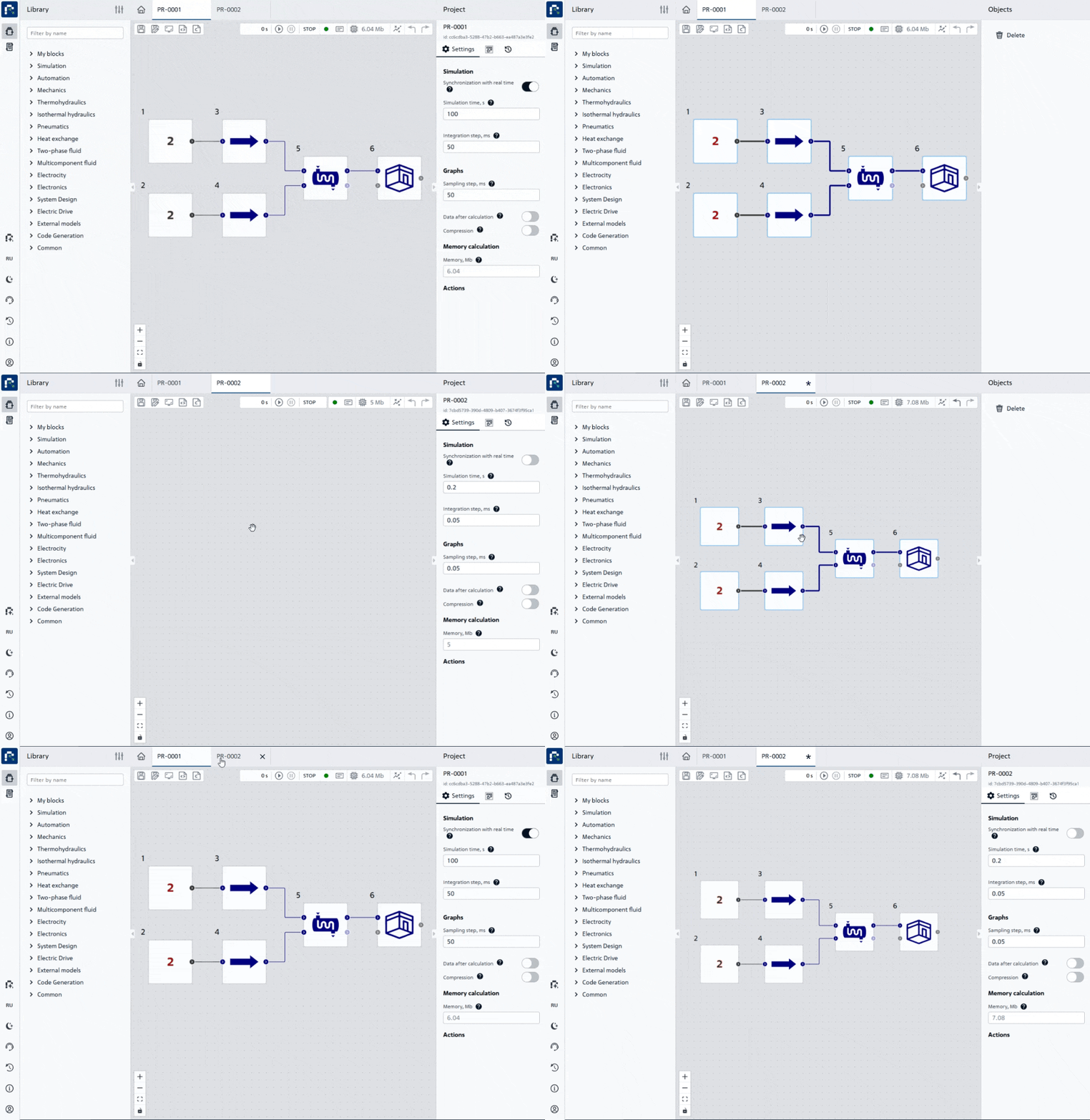
Copying and pasting between open projects#
Hint
To copy and paste selected objects, you must use one of the options:
Press the following key combinations:
Ctrl+A(select all);Ctrl+C(copy);Ctrl+V(paste) already in the desired project.
Press the following key combinations:
Hold down the
Ctrlkey;Select the desired objects for copying using LMB (including connecting lines, if required);
Ctrl+C(copy);Ctrl+V(paste) already in the desired project.