

Lamp#

Block appearance in REPEAT VISION#
Displays a binary signal (0/1, on/off) as a round indicator with two states: on and off.
Note
When set to on, 1 (or > 0) is a bright color;
When the value is off, 0 means a dim color.
1. Job description#
While the simulation is running, it updates in real time (changes color (see Fig. 1 below));
During pause/stop - shows the last received value.
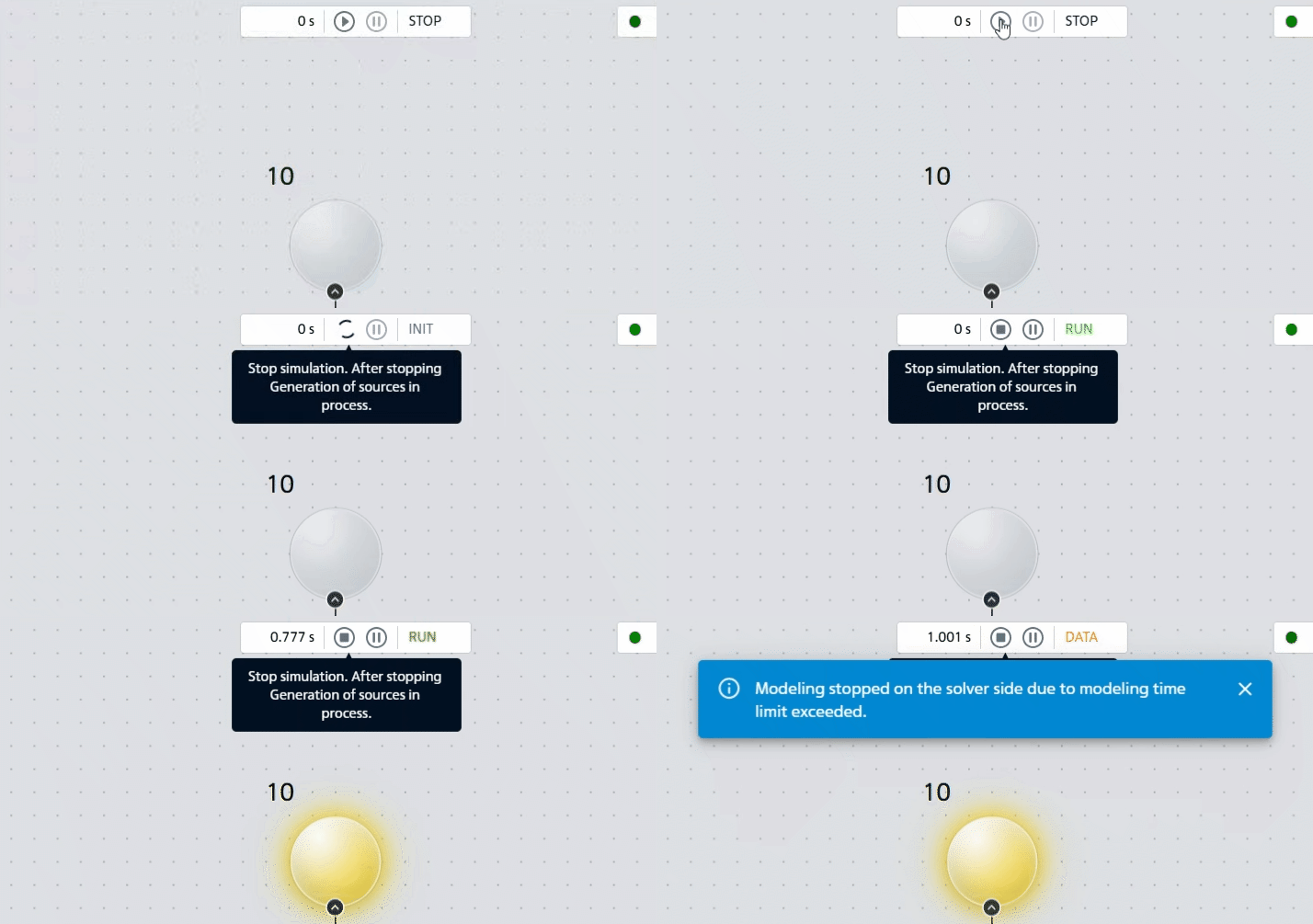
Рис. 1 Пример смены цвета#
2. Properties#
Property |
Default Value |
Description |
Units of measurement |
|---|---|---|---|
Type: |
Lamp |
Ability to switch between 4 block types |
- |
Yellow |
Allows you to select the color of the lamp when on |
- |
|
Grey |
Allows you to select the color of the lamp when it is off |
- |
|
Switch on value |
0.5 |
- |
- |
Note
3. Inputs and outputs#
Parameters |
Input/Output |
Description |
Units of measurement |
Port type |
|---|---|---|---|---|
Input |
Input |
- |
- |
Automation |
In order to see the connection capabilities of the block, you need to go to page Description of block ports