

Java-function#
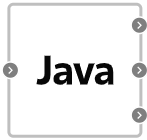
Block appearance in REPEAT VISION#
The Java-function block allows you to execute programs using the syntax and semantics of the Java language. The code itself can be edited in the built-in editor of the Application, which can be accessed by double-clicking LMB on the block.
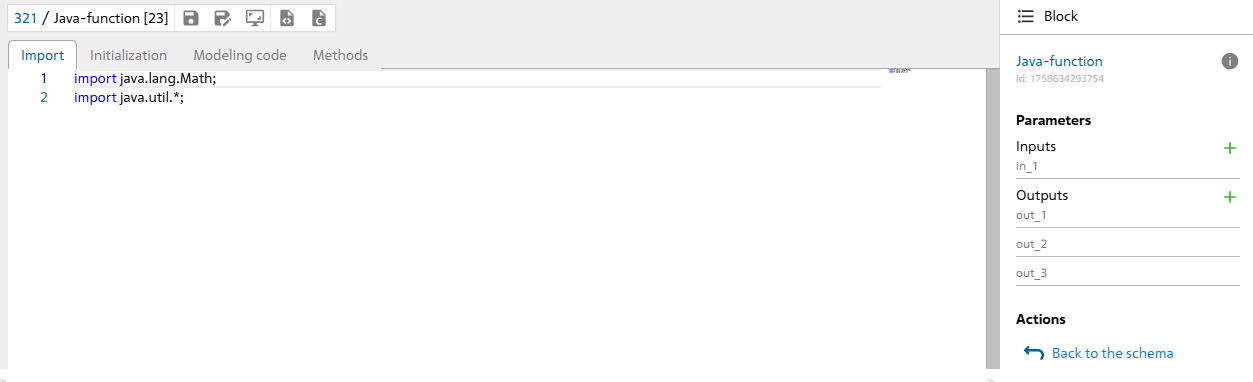
Built-in editor#
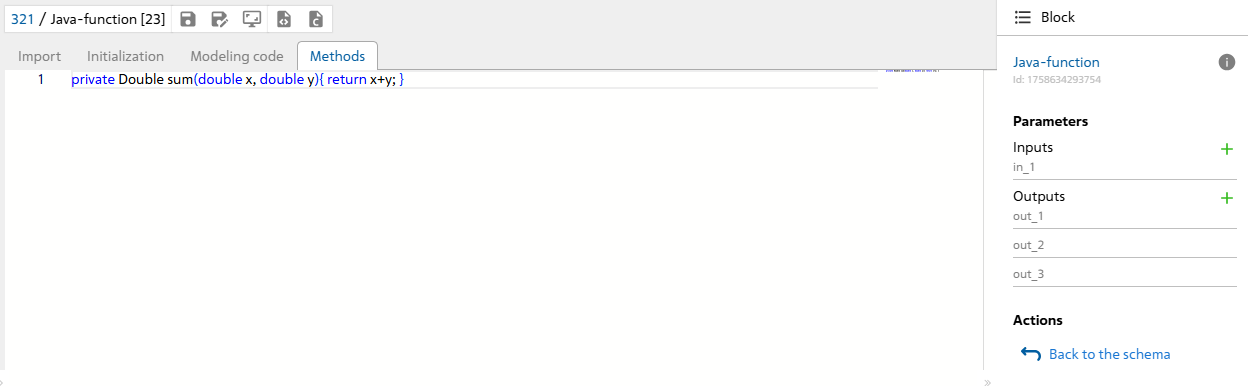
The block contains four subsections with code:
Import- for importing Java libraries (for example: import java.lang.Math;)Initialization- for declaring and initializing local variables;Modeling code- main calculation code;Methods- declaration of user methods.
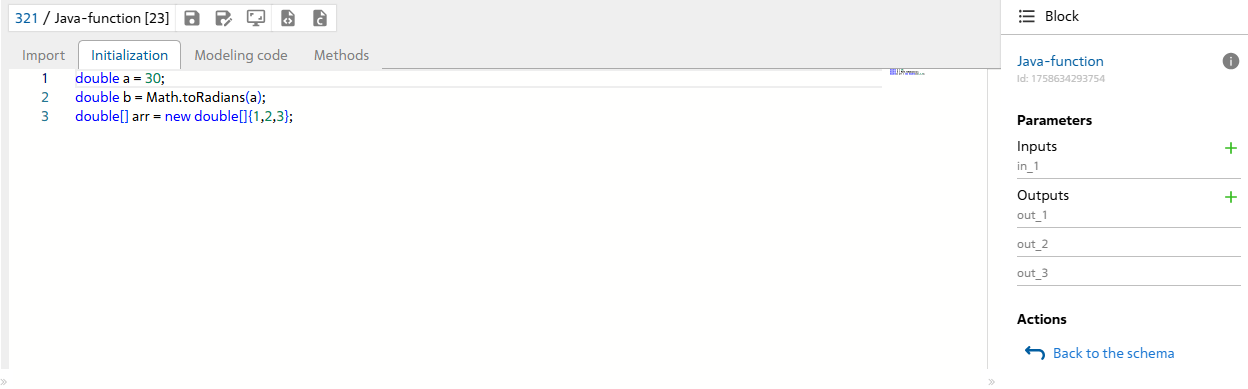
Initialization#
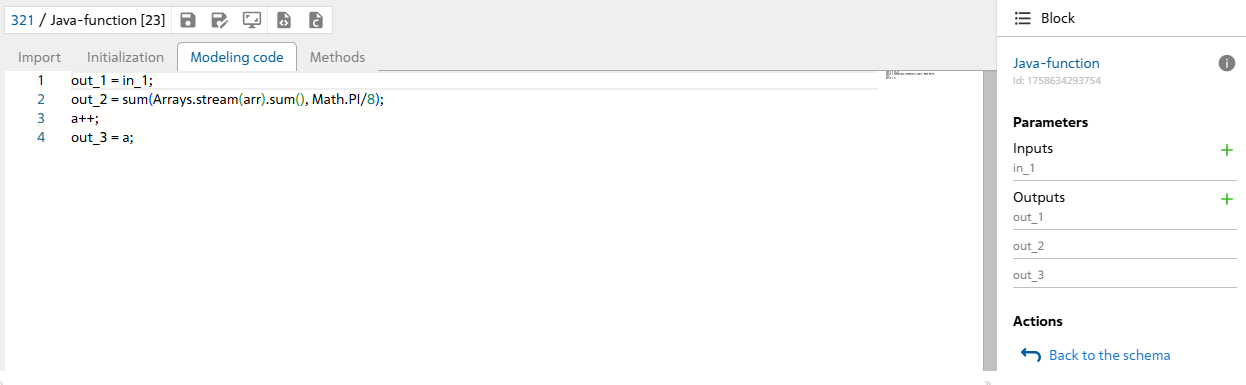
Modeling code#
Methods#
1. Port settings#
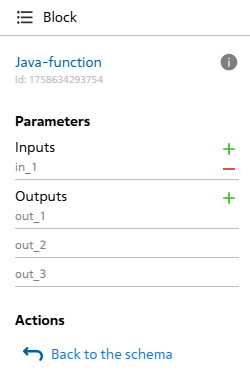
To configure ports you need to:
Add an input or output by clicking on the green
+button located in the right panel next to eachInputsandOutputsparameter;Delete an input or output by clicking on the red
-button, located in the right panel next to eachInputsandOutputsparameter and appearing when you hover the cursor over the desired parameter;It is possible to set your own custom port name and use this name as a variable in the
Modeling codesubsection. To set your own name, double-click LMB on the port name to activate the name editing field, then set your own name. The port name will be used in the Java calculation code as a double variable, which means the name must meet the requirements of a Java variable (Latin, without prohibited characters, should not be a keyword such as class, public, etc.).
Parameters#
Hint
To return to the diagram, you need to click on the button Back to the schema, located in the right panel.
2. Filling in code sections#
2.1. Import#
This section imports packages and classes used in calculations, for example, the java.lang.Math class, which contains mathematical functions and constants:
import java.lang.Math;

import org.apache.commons.math3.linear.RealVector;
2.2. Initialization#
Initialization is the stage of declaring variables involved in calculations, and you can also declare variables in the Modeling code section.
You can declare:
like primitive variables double , int , etc.
as well as classes String, RealVector, Vector, etc.
double[] arr = new double[]{9,7,4,5};

int lastIndex = arr.length -1;

RealVector v1 = new ArrayRealVector(new double[]{1, 3, 5});

RealVector v2 = new ArrayRealVector(new double[]{2, 4, 6}).
2.3. Modeling code#
This section is where you write the code that is executed at each step of the model calculation, and where you can also declare variables.
Calling methods of imported classes is allowed, for example, ascending sort .sort() for String.
The example performs the scalar product of vectors v1, v2 using the .dotProduct() method for RealVector:
Arrays.sort(arr);
double degrees = in_1;
double highestValue = arr[lastIndex];
double dotProduct = v1.dotProduct(v2);
You can also call the custom toRadians() method, which can be defined in the Methods section:
out_1 = toRadians(degrees);
out_2 = highestValue;
out_3 = dotProduct;
Note
Port variables (example: in_1, out_1, out_2, out_3) are declared during compilation of java code with variable type double, so they do not need to be initialized separately
2.4. Methods#
Custom methods called during the calculation process are written in this section.
The example describes a function that converts the value of the passed argument into radians:
private Double toRadians(double x){
  return Math.toRadians(x);
}
3. Using Libraries#
To use objects and methods of third-party libraries within a script, you must import the corresponding libraries using the construct: “import
Library |
Example |
Description |
Documentation |
|---|---|---|---|
Java (standard library) |
import java.util.*; |
Standard Java libraries version LibericaJDK-17. |
|
Apache Math |
import org.apache.commons.math3.linear.RealVector; |
Commons Math is a library of lightweight mathematical and statistical components that solves the most common problems not available in the Java programming language or Commons Lang. |
|
Other Apache Commons libraries |
import org.apache.commons.lang3. … |
Apache Commons contains a set of Java utility libraries for a wide range of purposes, available under the Apache License and used in many other open source projects. |
|
Neqsim |
import neqsim.process.equipment.stream.Stream; |
NeqSim is an open source Java library for modeling thermal-hydraulic processes. |
|
JAMA |
import Jama.Matrix; |
JAMA is a basic linear algebra package for Java. |
|
SSJ - Stochastic Simulation in Java |
import umontreal.ssj. randvar.GeometricGen; |
SSJ (Stochastic Simulation in Java) is a Java library that provides tools for stochastic (Monte Carlo) simulation. |
|
Colt |
import cern.colt.matrix.DoubleMatrix2D; |
Colt provides a set of open source libraries for high-performance scientific and technical computing in Java. |
4. Description of the block operation#
Like most blocks in the application, the Java-function block performs a calculation in the general model loop with a given step, which is determined by the solver using a numerical method for solving a set of equations. Thus, the program (script) in Java-function is compiled once before the start of the calculation and executed at each step.
5. Error Output#
A description of errors encountered when running the circuit with the Java-function block can be found in the log. If the calculation error is directly related to the code (syntax errors or an exception thrown), the cause of the error can be determined from the top call of the stack trace in the log.
6. Coding guidelines#
When working with the Java-function block, you can use the full syntax and semantics of the Java language, however, due to the peculiarity of calculating loops (see Error output) it is not recommended to use loops with multiple iterations, especially infinite loops, inside the code. All loops must have a mandatory exit condition, otherwise the calculation results may be unpredictable, and this may also greatly affect the calculation performance. It is also not recommended to use function calls for working with the standard input/output stream, such as System.out.println() and others, as these functions are not processed during code compilation. The same applies to any system calls.
7. Properties#
No
8. Inputs and outputs#
Parameters |
Input/Output |
Description |
Units of measurement |
Port type |
|---|---|---|---|---|
in_1 |
Input |
– |
– |
Automation |
out_1 |
Output |
– |
– |
Automation |
out_2 |
Output |
– |
– |
Automation |
out_3 |
Output |
– |
– |
Automation |
In order to see the connection capabilities of the block, you need to go to page Description of block ports
See also
An example of using this block can be found in the tutorial Implementing a moving average filter using a Java-function block in the section External models.