

FMI#
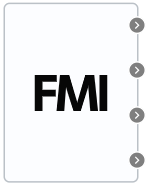
Block appearance in REPEAT VISION#
The FMI block is required to import models created based on the Functional Mock-up Interface standard. This standard is often used when exchanging dynamic simulation models.
A Functional Mock-Up Unit (FMU) is a file with the .fmu extension that describes a simulation model according to the FMI standard.
To work with this block, after dragging the block icon from the left panel, you need to upload a file with the extension .fmu, as indicated in the pop-up message, Fig. 1:
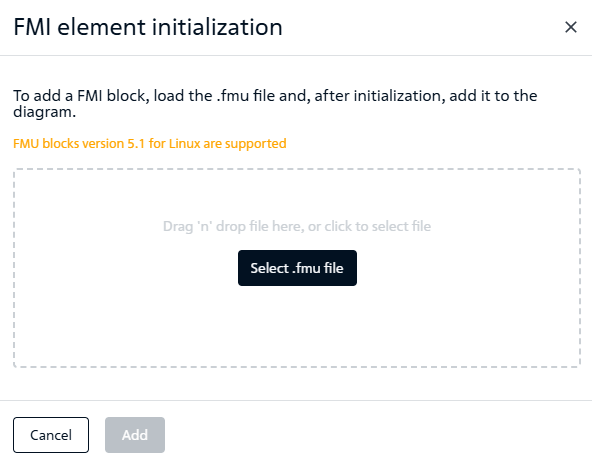
Fig. 1 FMI block initialization message#
After successful initialization of the block, the following messages should appear, Fig. 2:
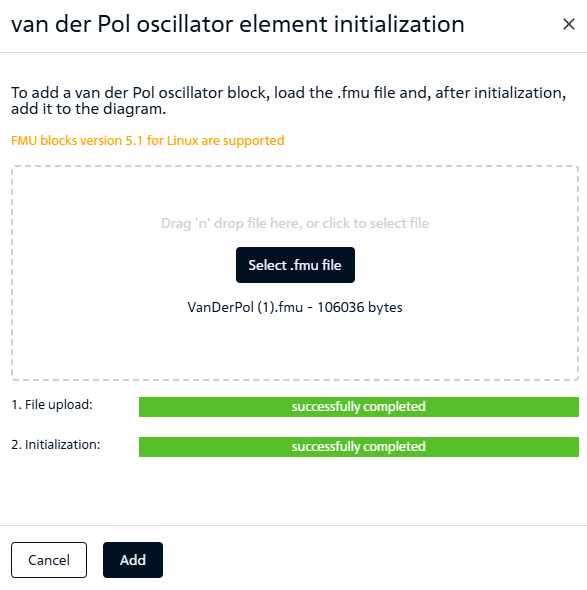
Fig. 2 Messages about successful initialization of the FMI block#
To add a block to the canvas, you need to click the Add button.
If you do not need to add a block, you must click the Cancel.
1. Properties#
The block properties are set immediately when the user creates the model.
2. Inputs and outputs#
The properties of the block ports are set when the user creates the model.