

Elementary blocks panel (left side)#
The panel contains a set of blocks or decorative elements for the selected section (some sections have subsections) and is designed for interactive work by dragging them to the workspace, Fig. 1:
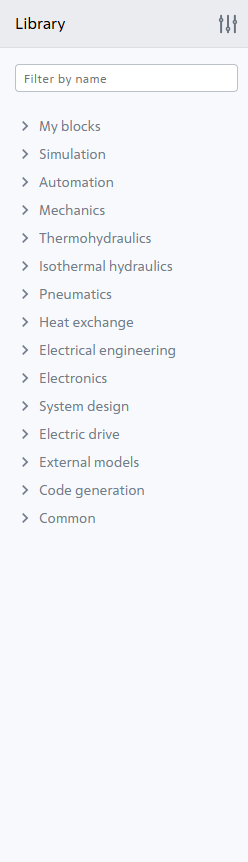
Fig. 1 Elementary blocks panel of interdisciplinary library with new blocks#
Hint
Clicking the  button allows you to select the libraries displayed in the panel. To do this, LMB the library names that appear, which should be left in the left panel, Fig. 2:
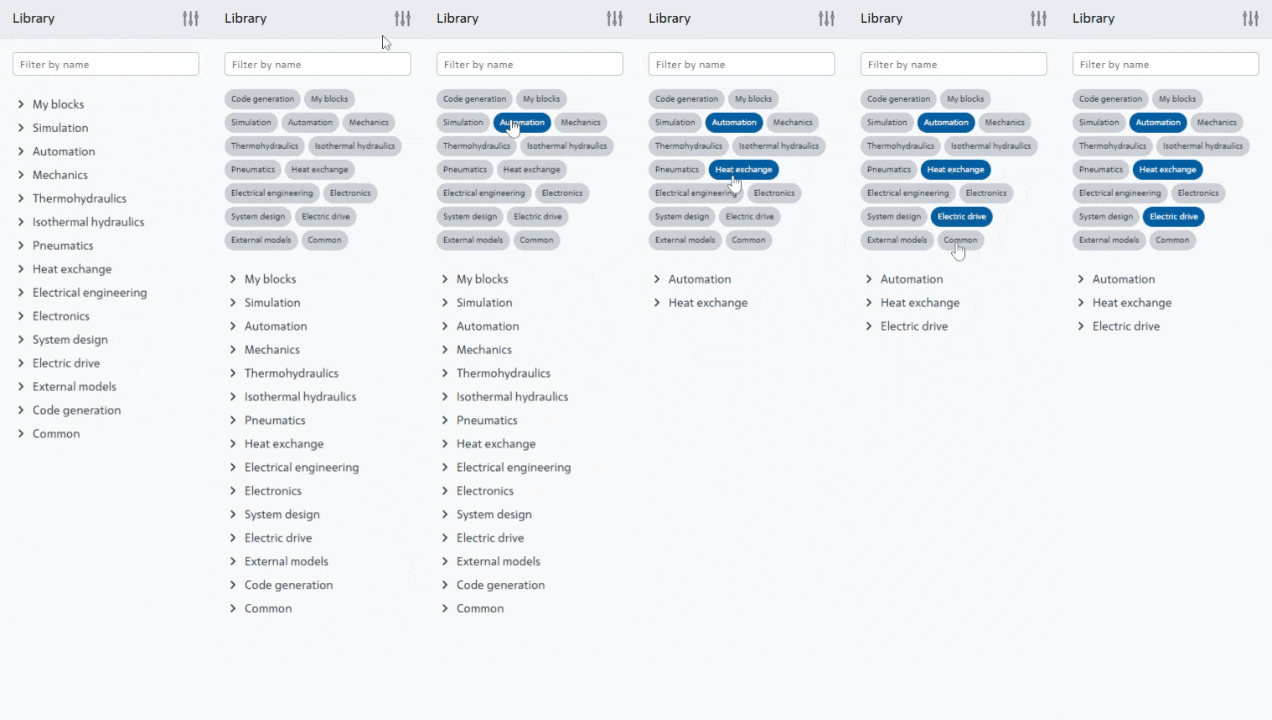
Fig. 2 Configuring the contents of the left panel#
A light green marker on some  block inscriptions indicates that this block is new for this App release relative to previous releases.
Hint
The new interface now allows you to change panel sizes