

Project content by blocks (tree)#
This feature allows you to see the contents of an open project in the form of a tree
Note
All blocks in the tree are displayed in the order of their numbering
When you open any project, the  icon appears in the sidebar. When you click on it with the LMB, a tree of blocks included in the project opens, Fig. 1:
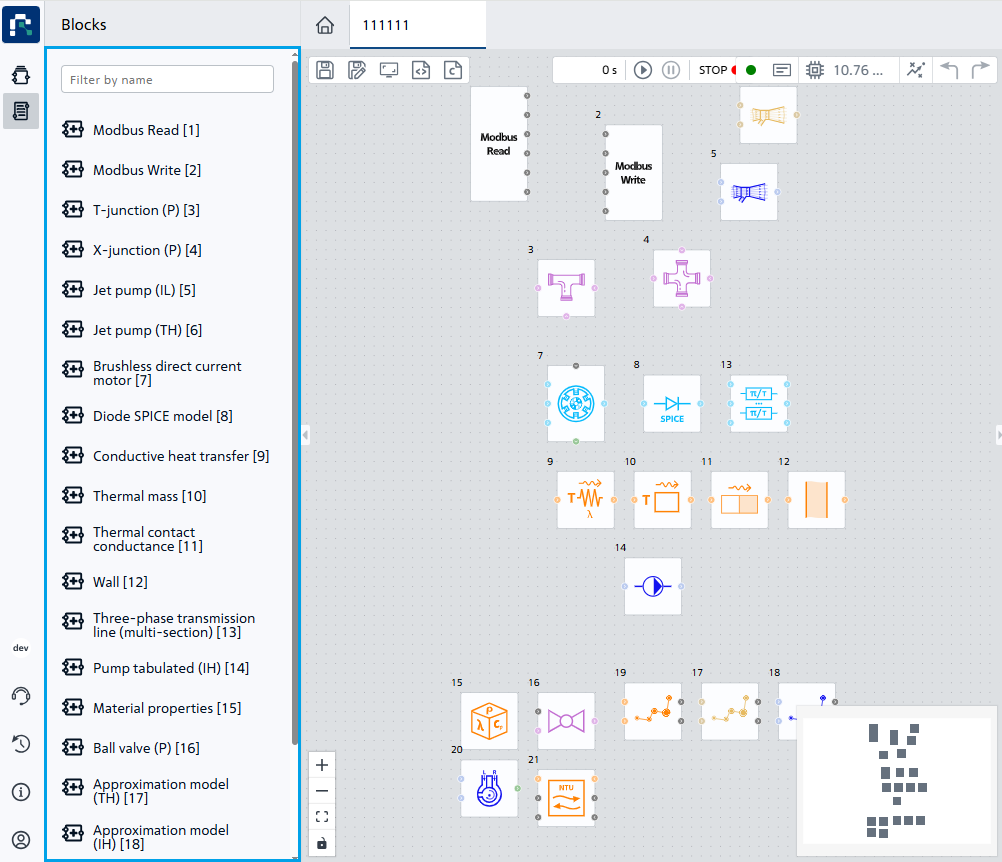
Fig. 1 Example of an expanded project tree#
When you click on a block LMB in the tree, it is selected in the diagram, and you can also go to it on the canvas, Fig. 2:
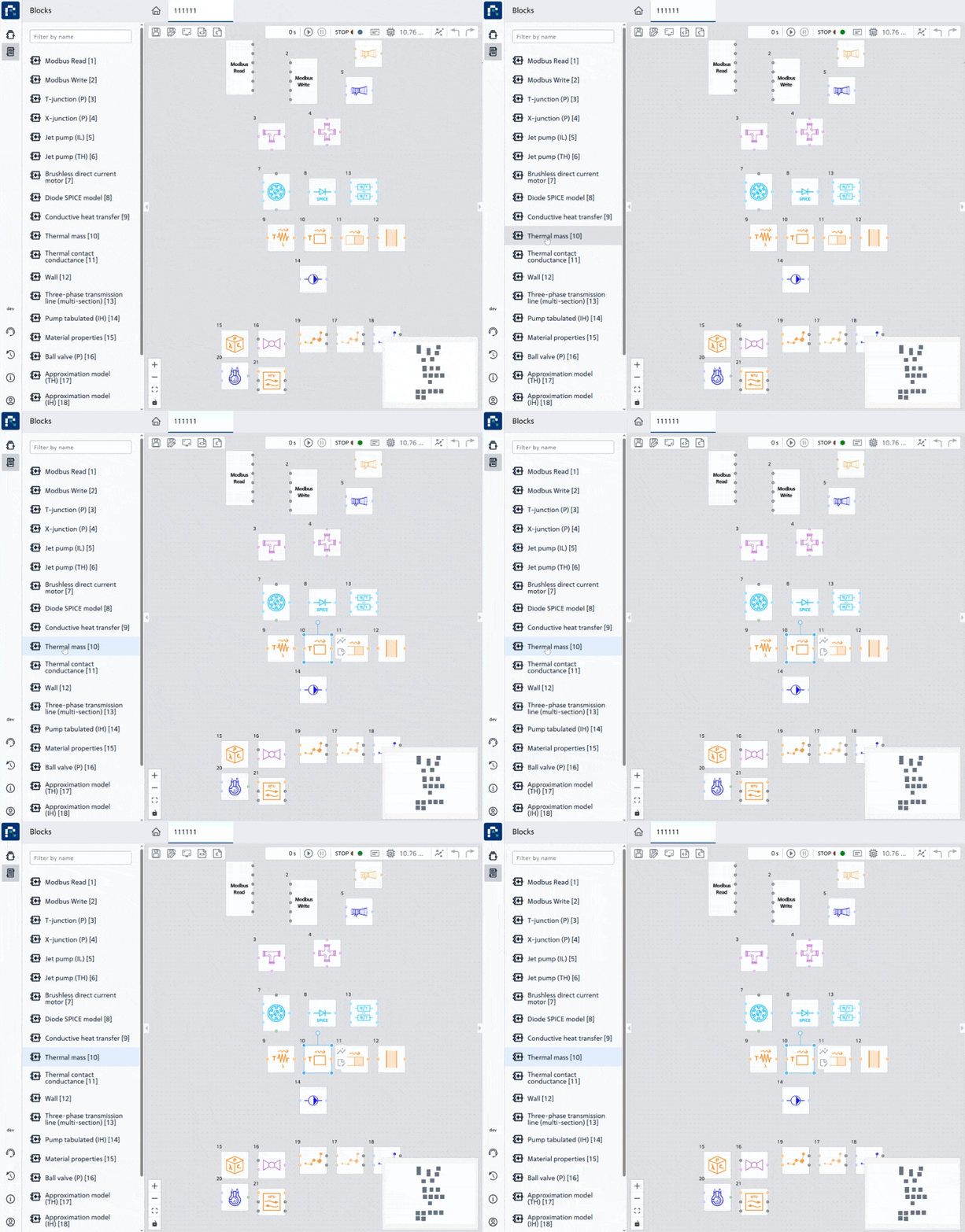
Fig. 2 Go to the selected block in the tree#
Note
If you select a block directly on the diagram, it will also be selected in the tree
Hint
To search for a block in the tree, you can use the filter by name