

Import#
Import project / file occurs after clicking LMB on the button  (Import project / file), located in the top center, Fig. 1:
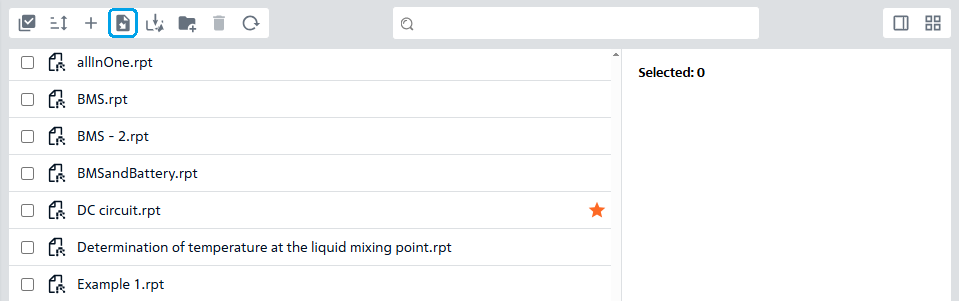
Fig. 1 Importing a project / file#
Then you need to click on the Import button (see Fig. 2 below) and select the required file with the appropriate extension, or after clicking on the button , you can drag the file with the appropriate extension from your computer into the gray project import area, Fig. 2:
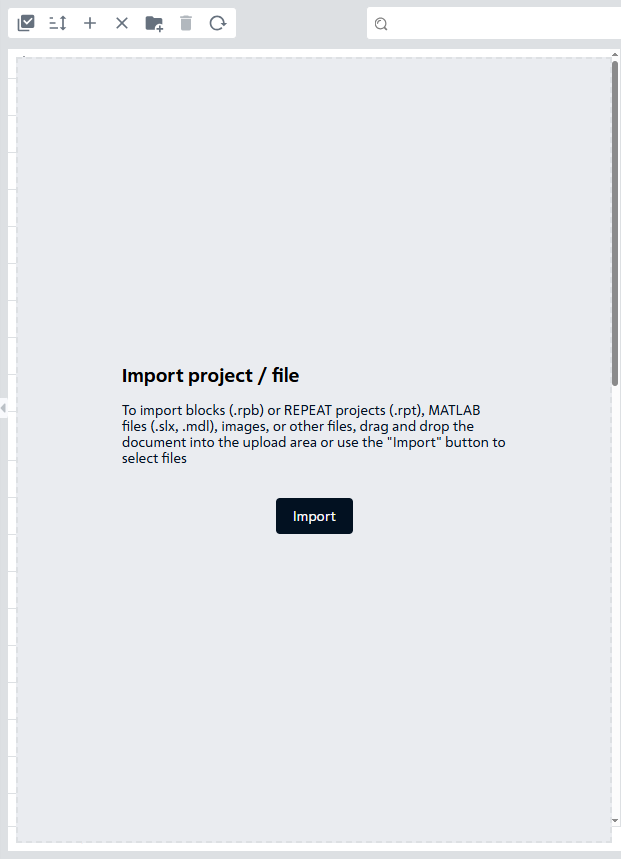
Fig. 2 Import area#
If you need to cancel the import, you need to click on the  button (see Fig. 3 above), located in the top center, which will appear instead of the button.