

Progress bar#
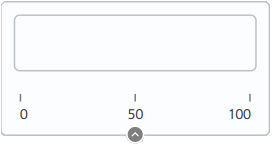
Block appearance in REPEAT VISION#
Display the current signal value as a filled bar (horizontal or vertical).
1. Job description#
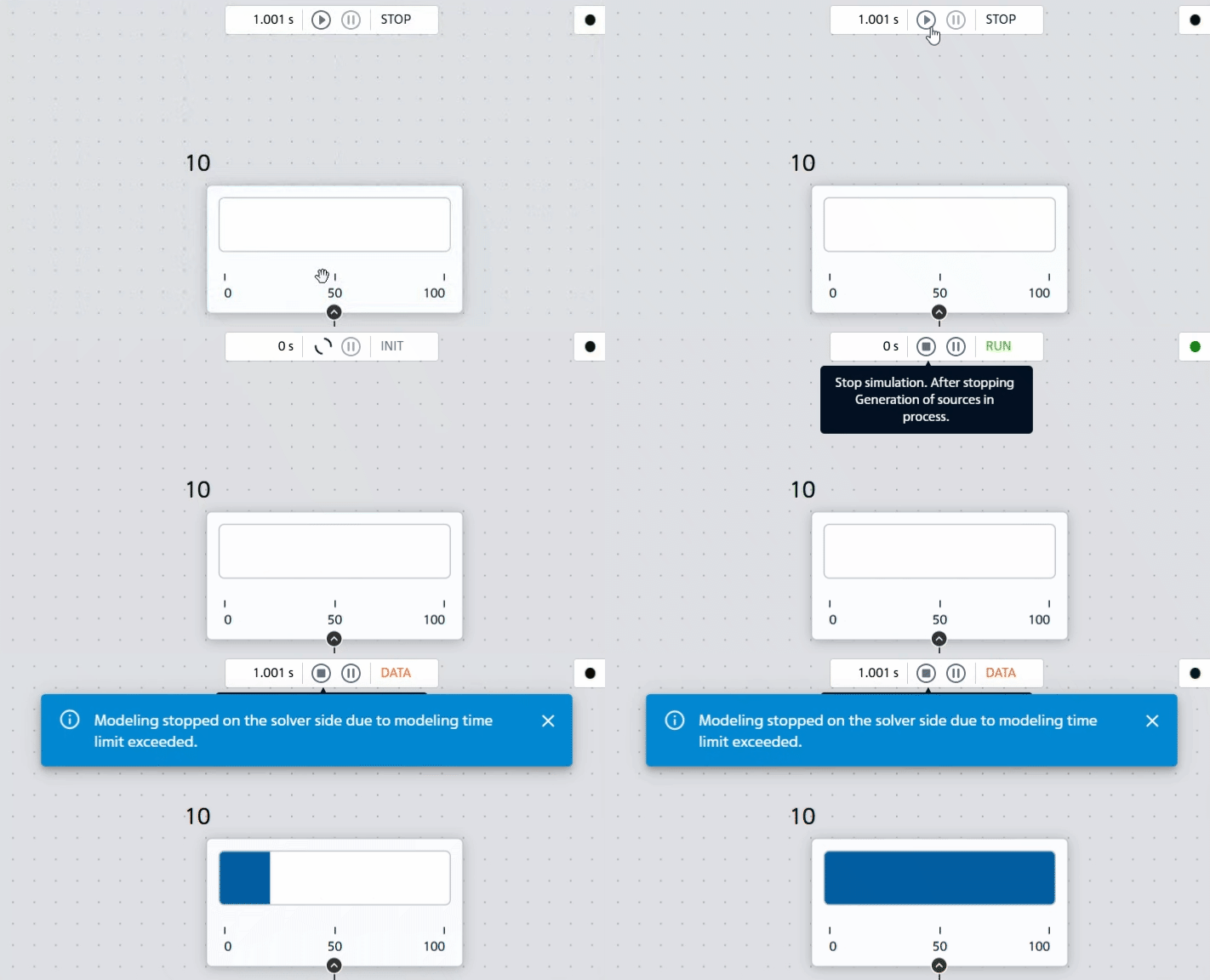
Fig. 1 Animation of horizontal display#
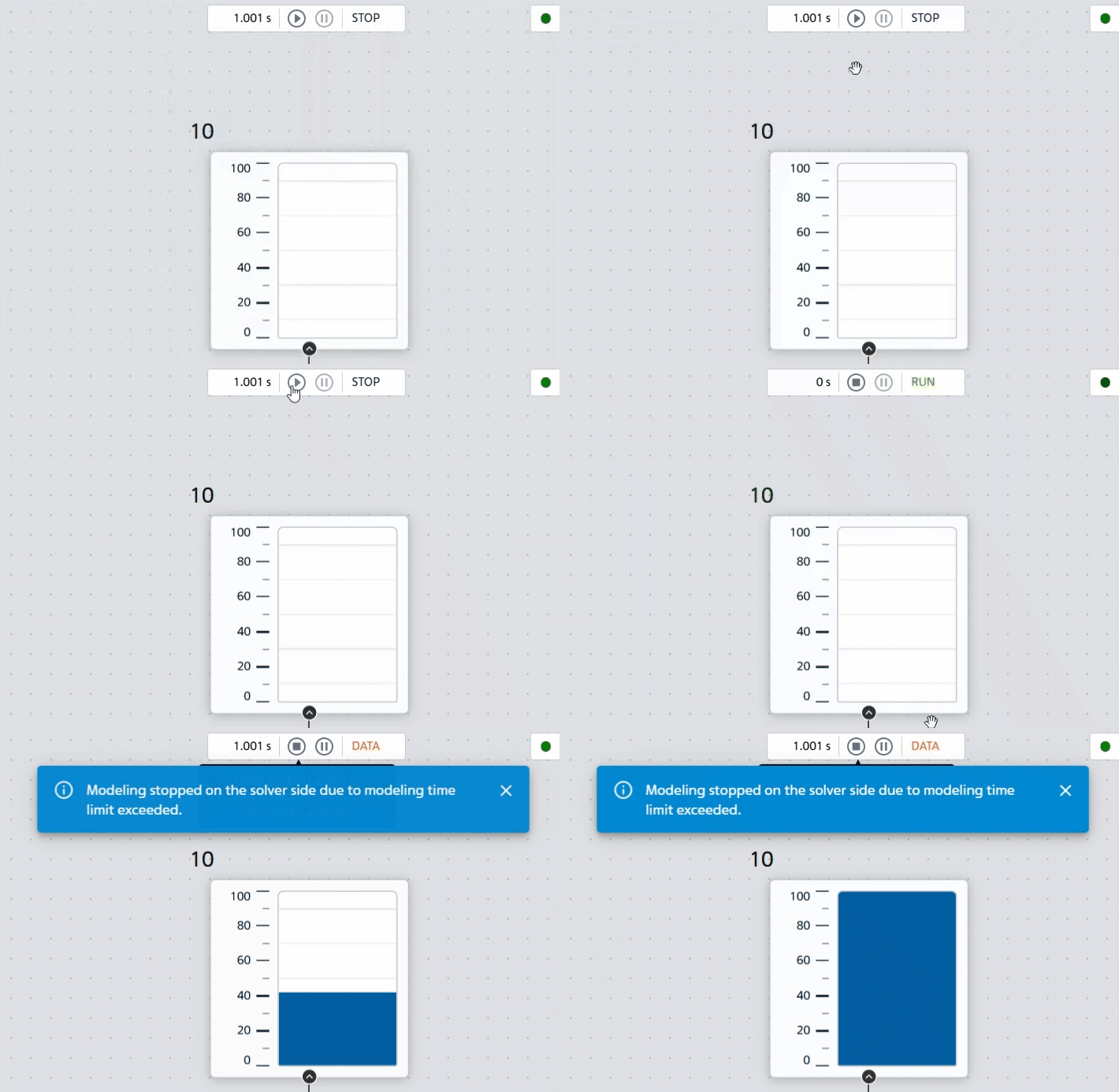
Fig. 2 Animation of vertical display#
During pause/stop - shows the last received value.
2. Properties#
Property |
Default Value |
Description |
Units of measurement |
|---|---|---|---|
Progress bar |
Ability to switch between 4 block types |
- |
|
Minimum |
0 |
Lower boundary (bar is empty) |
- |
Maximum |
100 |
Upper limit (band full) |
- |
Display: |
Direction of filling |
- |
|
Fill color |
Blue |
Allows you to select the color of the filled part |
- |
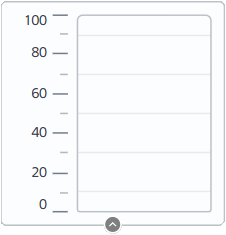
Fig. 3 Vertical display view#
3. Inputs and outputs#
Parameters |
Input/Output |
Description |
Units of measurement |
Port type |
|---|---|---|---|---|
Input |
Input |
- |
- |
Automation |
In order to see the connection capabilities of the block, you need to go to page Description of block ports