

Copying blocks#
This function allows you to copy selected blocks, including their properties and connection lines.
To use this function you need to:
Select the blocks you want to copy (including connection lines, if necessary). To select blocks, follow these steps:
Hold down the
Ctrlkey;Click on the required blocks and connection lines using LMB.
See fig. 1 below
By holding down LMB and the
Shiftkey, and then moving the cursor in the direction of the desired blocks and their connections;After covering the required files with this area, you need to release the LMB and the
Shiftkey, after which the required blocks and their connections will be selected.
See fig. 2 below
Copy the selected objects by pressing the key combination
Ctrl + C;Paste the copied objects by pressing the key combination
Ctrl + V.
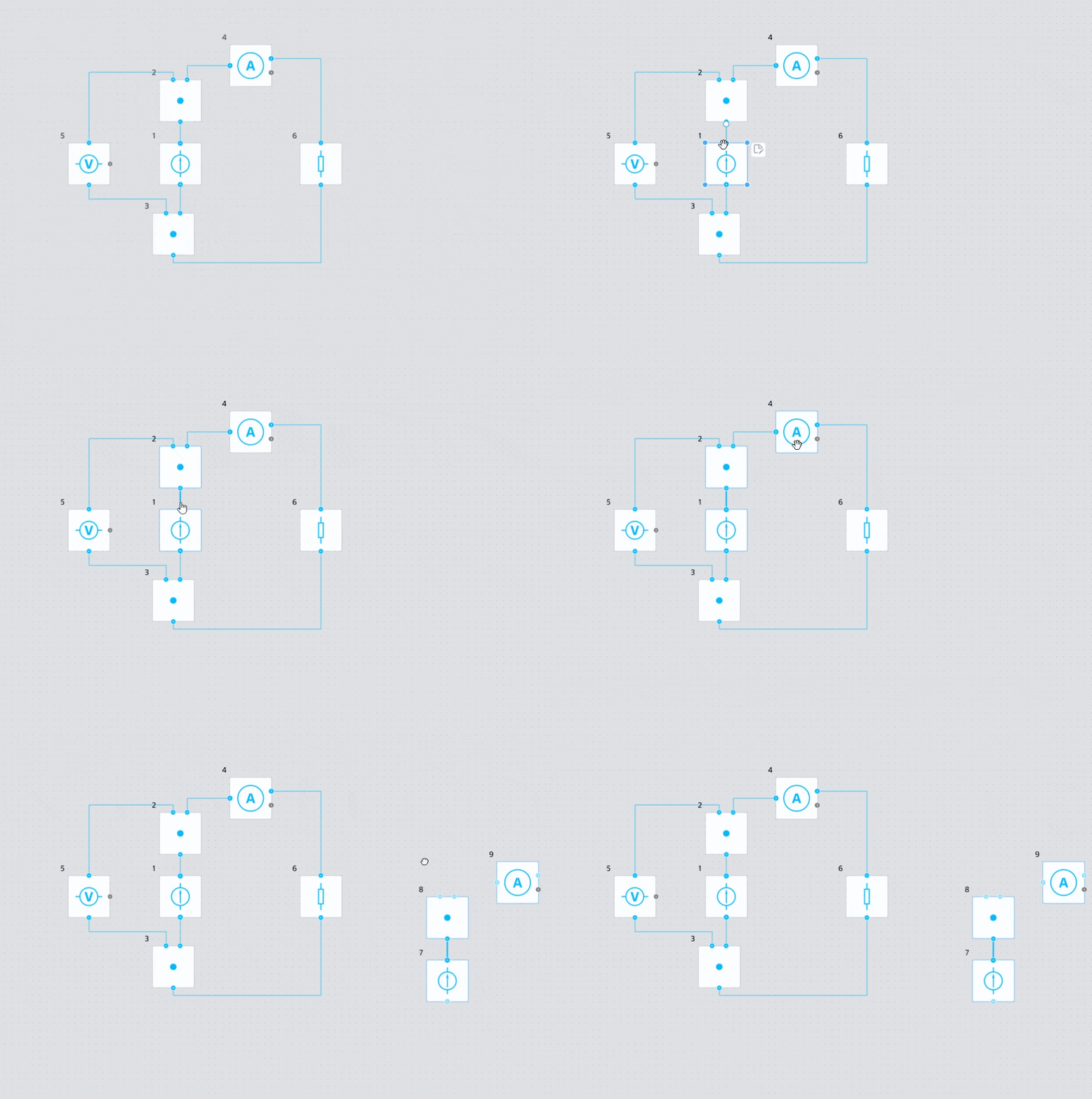
Fig. 1 Example of copying with selection of one block at a time#
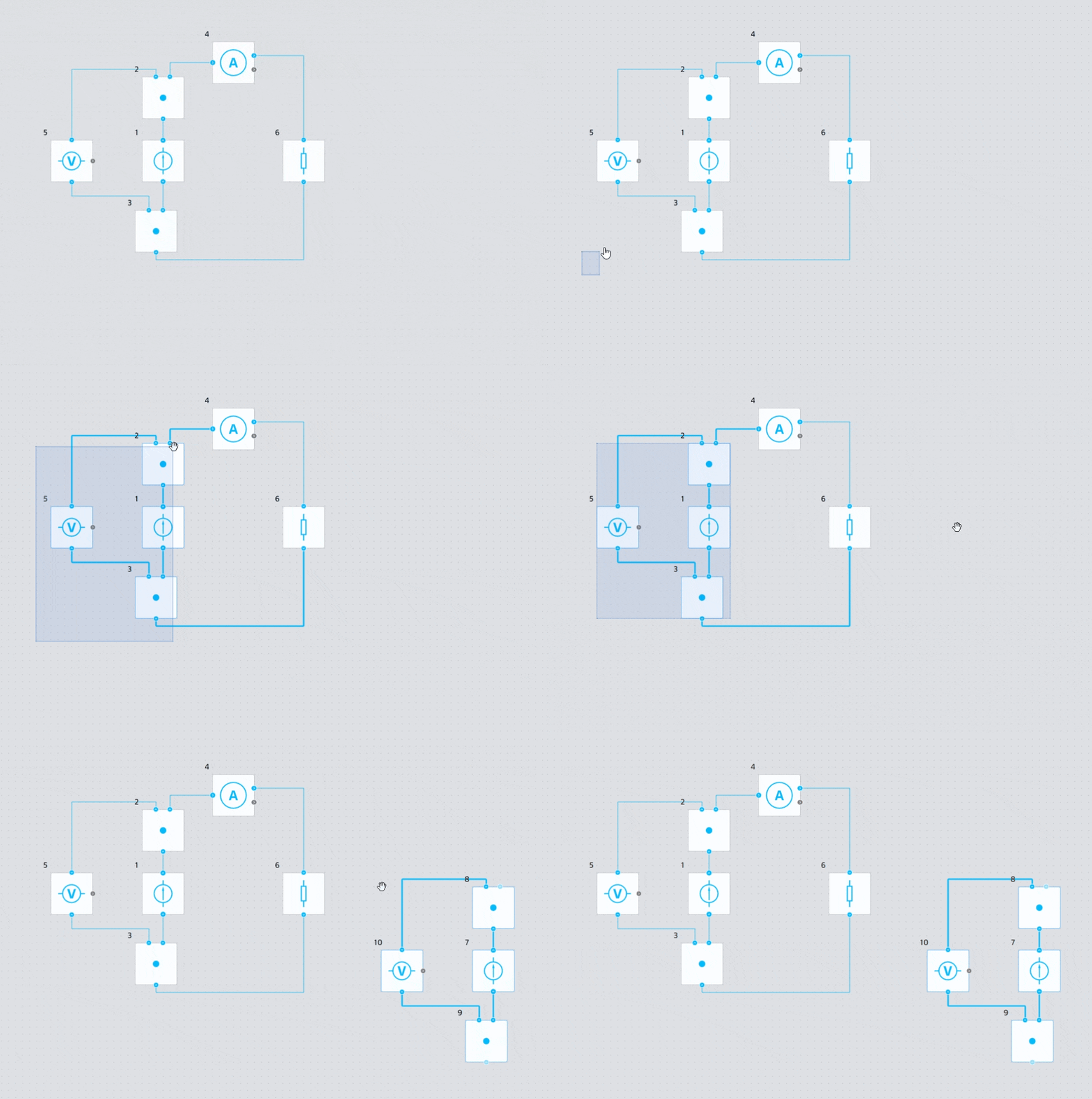
Fig. 2 Example of copying using the selection area#